kinectyd

For senior living communities

Friends down the hall shouldn’t stay strangers.

Kinectyd helps the people in your community become real friends. One button to call. One tap for your team to introduce two neighbors. And every morning, a short email telling you who could use some company.

Simple enough for a 92-year-old. Useful enough for the person running the building.

I’d like to learn…

How it works

Built for members living with memory loss, tremor, or zero patience for technology, and for the social workers who look after sixty of them at once.

1

Upload your member list. That’s the whole setup.

One CSV from PointClickCare or any spreadsheet, names and room numbers only. Kinectyd creates every profile, prints a PIN card for each member, and your whole community is onboarded in an afternoon.

2

Introduce two members in one tap.

Kinectyd suggests the pairings, the lonely member and the warm caller, the two who’ve never made a call, and schedules their first conversation by itself. Each member’s screen shows their friends’ faces, with a green dot when a friend is around right now. One tap, and they’re face to face.

3

Get the 8 AM heads-up.

Every night Kinectyd gently checks how connected each member has been, and flags isolation risk from real connection, calls made, friendships formed, check-ins answered. Every morning your team gets one email: who needs attention, why, and what to do. No dashboards to remember. No data entry, ever.

Communities

The loneliest member of your community is surrounded by dozens of potential friends. Kinectyd introduces them, and the calls take care of the rest.

You’ll see it working: more calls, new friendships, happier families. And when you need the numbers for a renewal or a family council, they’re one click away.

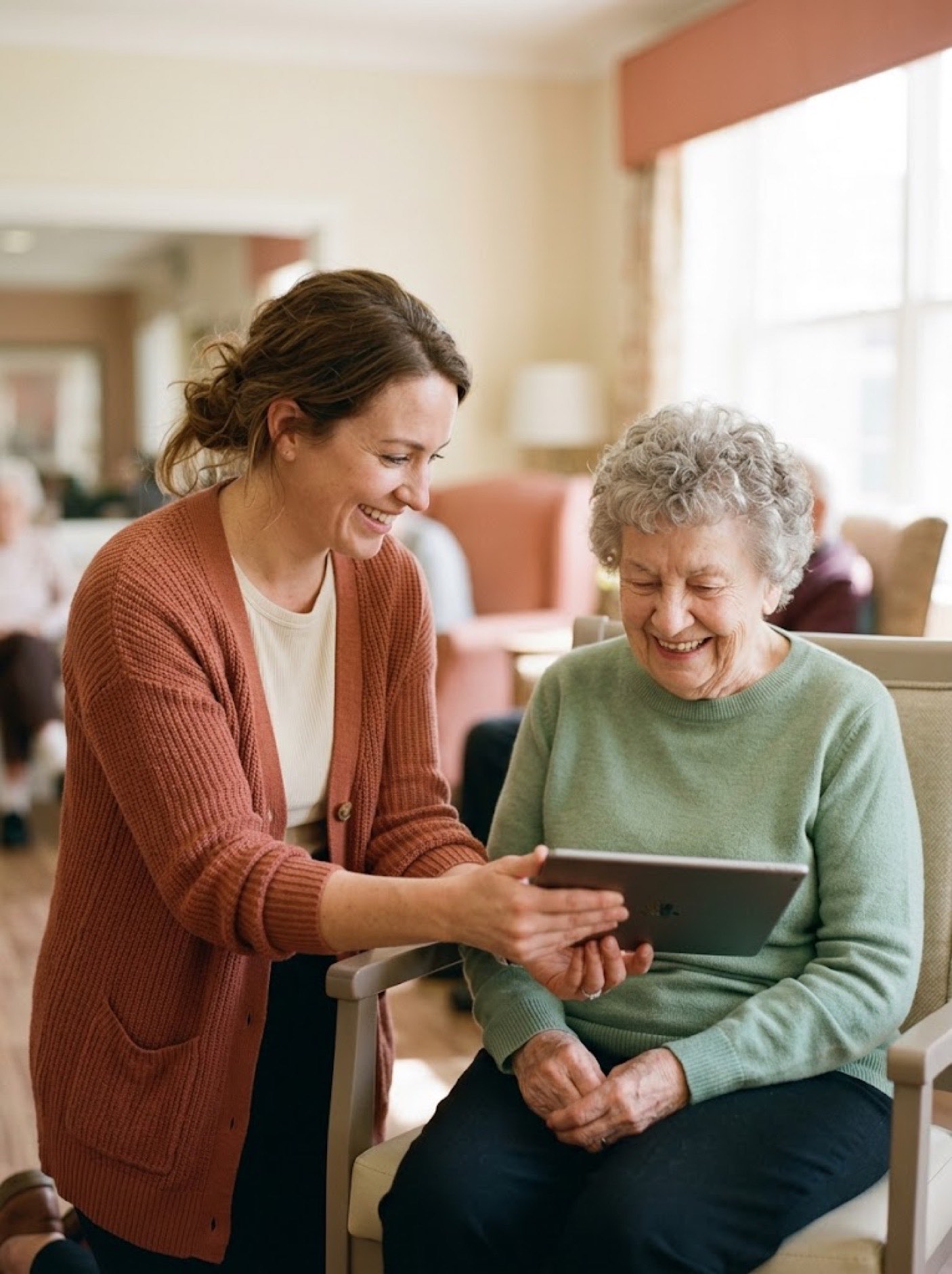
An activities director showing a member her Kinectyd tablet

What members experience

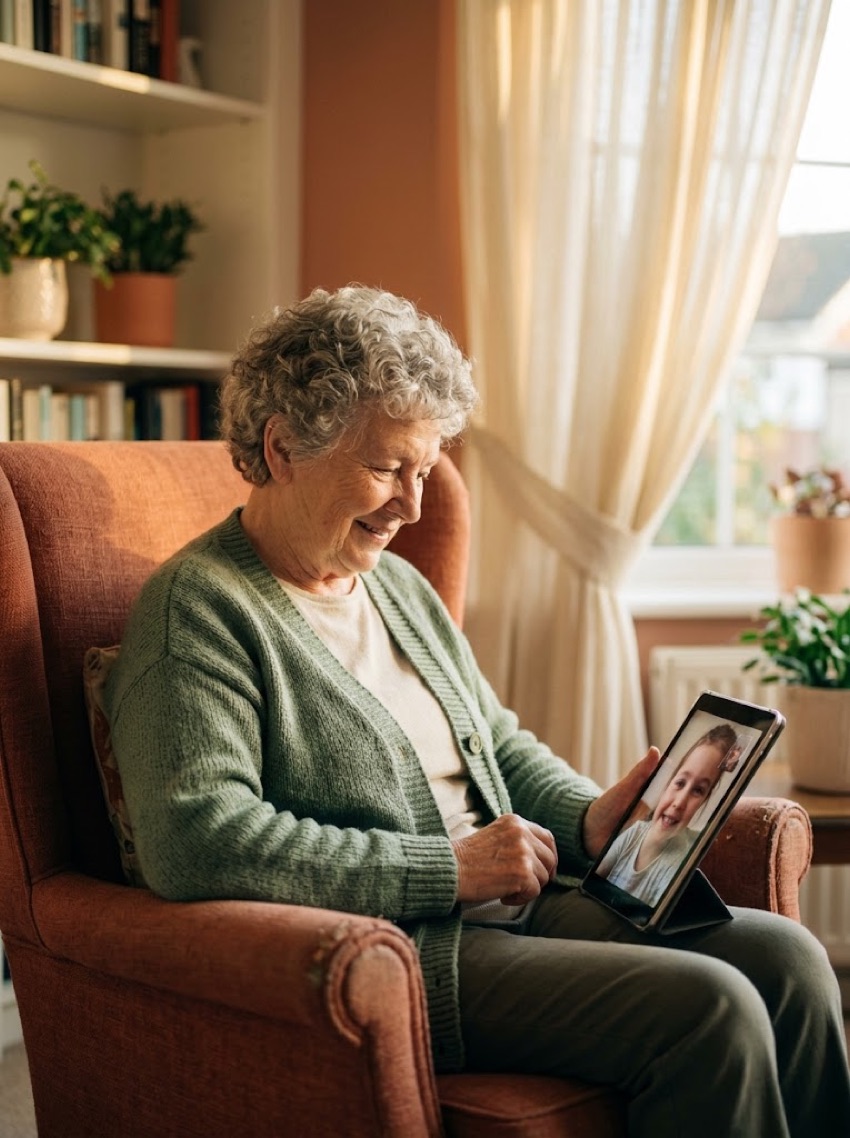
No usernames, no menus, no settings. Just the faces of people who’d love to hear from them: the friend from bingo, a daughter, a grandson. Tap a face, and they’re talking.

Most members use the tablet their community set up. If someone can look at a photo, they can use Kinectyd.

Resident sign in
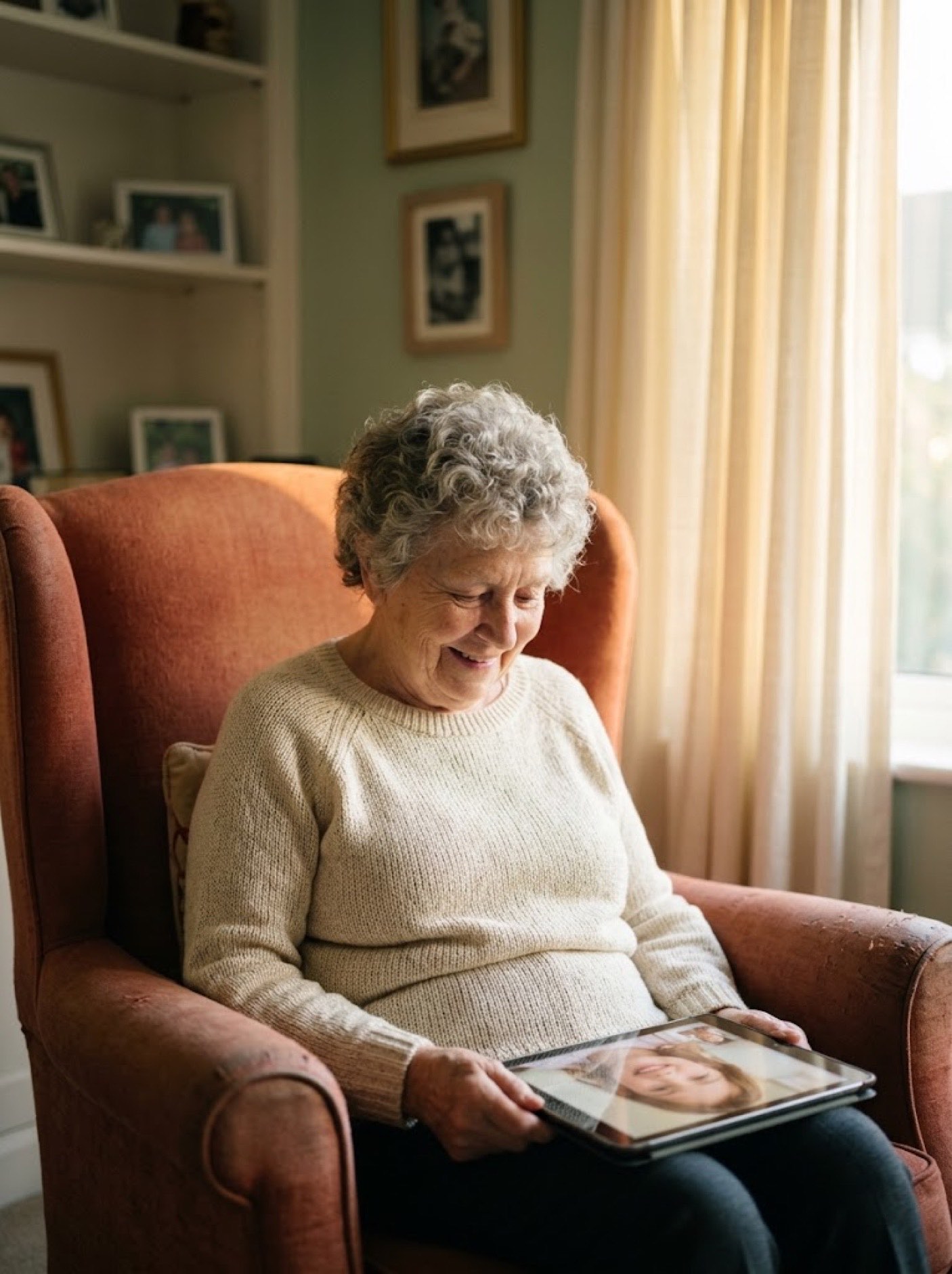
A member relaxing in her armchair on a video call

Families

Your mom taps nothing. You sign in and click her face. That’s the entire instruction manual: no app to install, nothing to configure, and it works in any browser on any phone or computer.

Ask her care team to add your email, then sign in like you would anywhere: Google, a password, or an emailed link.

Family sign in
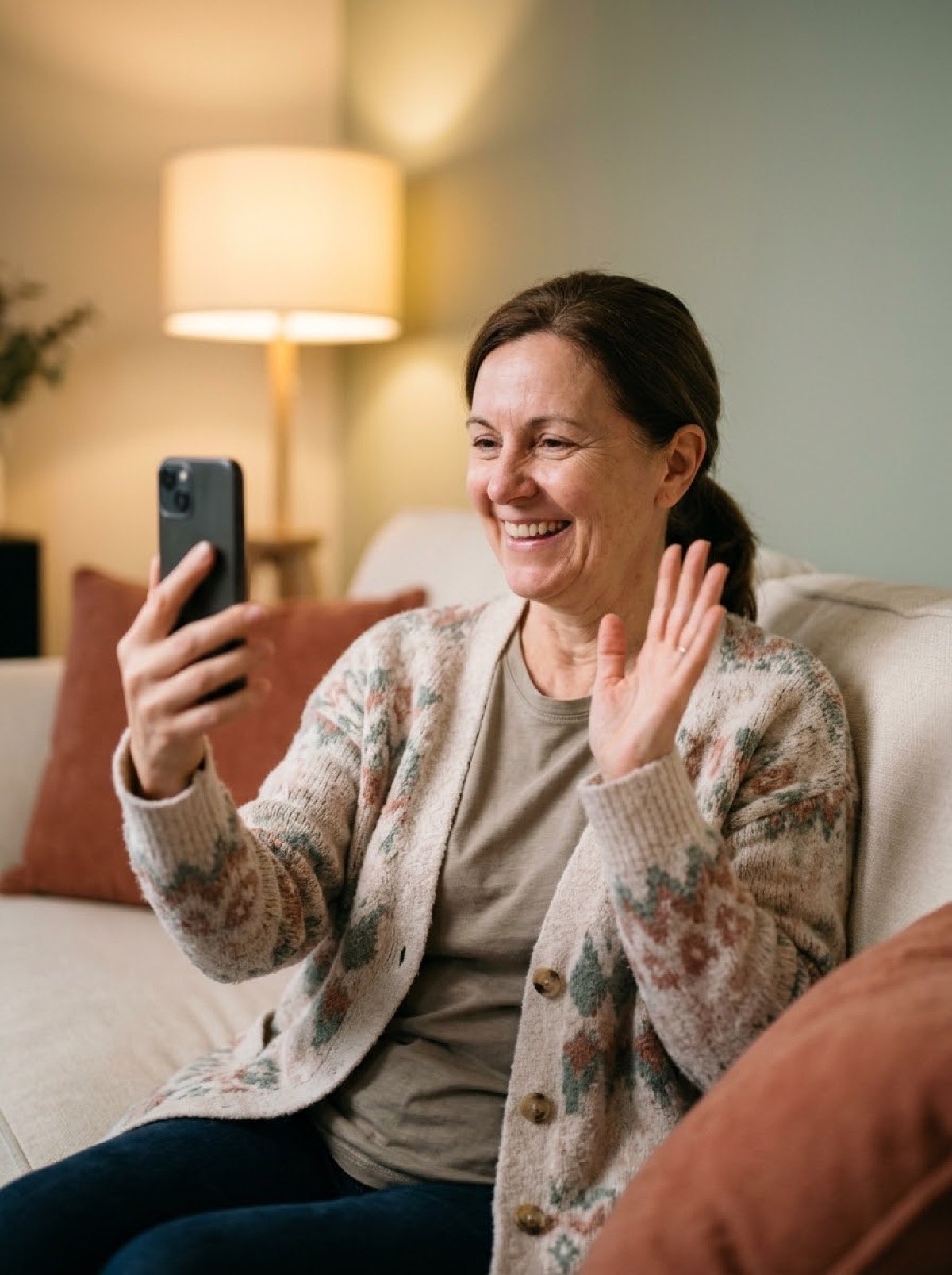
A daughter waving during a video call with her mother

Our promises

Built for trust from day one

People, not AI

Real faces, not robots.

No AI companions pretending to care. Kinectyd connects each member to actual people, the friend in room 214, the granddaughter two time zones away.

Closed circle

Nobody enters the building.

No gig workers, no strangers in rooms. Every single contact is approved by your staff before a member ever sees their face.

Product rule

Calls are never recorded.

Never recorded, never transcribed, never mined. What someone says to her friend stays between them. It’s not a setting, it’s a rule we can’t break.

Evidence

Backed by the research.

In published nursing-home studies, five minutes of video connection a week measurably reduced loneliness, with effects lasting a full year. Kinectyd measures the same way science does, with the UCLA-3 scale.

Live in an afternoon

Getting started

Bring the list of members you already have. We handle the rest, and most communities make their first calls within a week.

Every community gets

  • White-glove onboarding: we run the import, print each member’s card, train your team
  • Works with the exports you already have: PointClickCare, MatrixCare, Yardi, or any spreadsheet
  • Works on the tablets, phones, and computers your community already has, nothing new to buy from us
  • A direct support line answered by people, not a ticket queue

How rollout works

  • Day one: your members imported, PIN cards printed and handed out
  • Week one: your team makes its first one-tap introductions
  • Every morning: the 8 AM summary email, who needs attention and why
  • Every quarter: the engagement report for your renewal file

Want to see it with your own community’s names? Write to hello@kinectyd.com and we’ll set it up together.

Questions we hear

The people here can’t use technology. Honestly.

That’s the point of Kinectyd. Nobody sees a username, password, menu, or setting. The screen is one face and one button, and staff can turn on auto-answer so calls from approved people connect by themselves after a gentle countdown. If someone can look at a photo, they can use Kinectyd.

How much work is this for my staff?

Setup is one file upload and an afternoon of signing members in on the devices your community already has. After that Kinectyd runs itself: introductions take one tap, risk scoring is automatic every night, and your team gets one actionable email at 8 AM.

What about members with dementia?

Kinectyd’s default mode was designed for cognitive impairment first: one action per screen, full-screen calls, repetition treated as normal, and auto-answer with consent. Families of memory-care members are often the most grateful users.

What does it cost?

Kinectyd is priced per community by member count, designed to cost less than one month’s rent from a single member who stays. Write to hello@kinectyd.com for a quote for your building.

Do you work with PointClickCare?

Yes. Export your member list from PointClickCare, MatrixCare, Yardi, or any spreadsheet, and Kinectyd reads it directly: names split, rooms matched, birthdays understood, no reformatting on your end. Your whole community imports in minutes, and a live two-way sync is on our roadmap.

My dad lives at home, not in a community. Can he use Kinectyd?

Yes. Kinectyd at Home brings the same one-button calls and gentle peer introductions to elders living on their own. Write to hello@kinectyd.com and we’ll set his screen up with you.
For elders anywhere

Kinectyd at Home

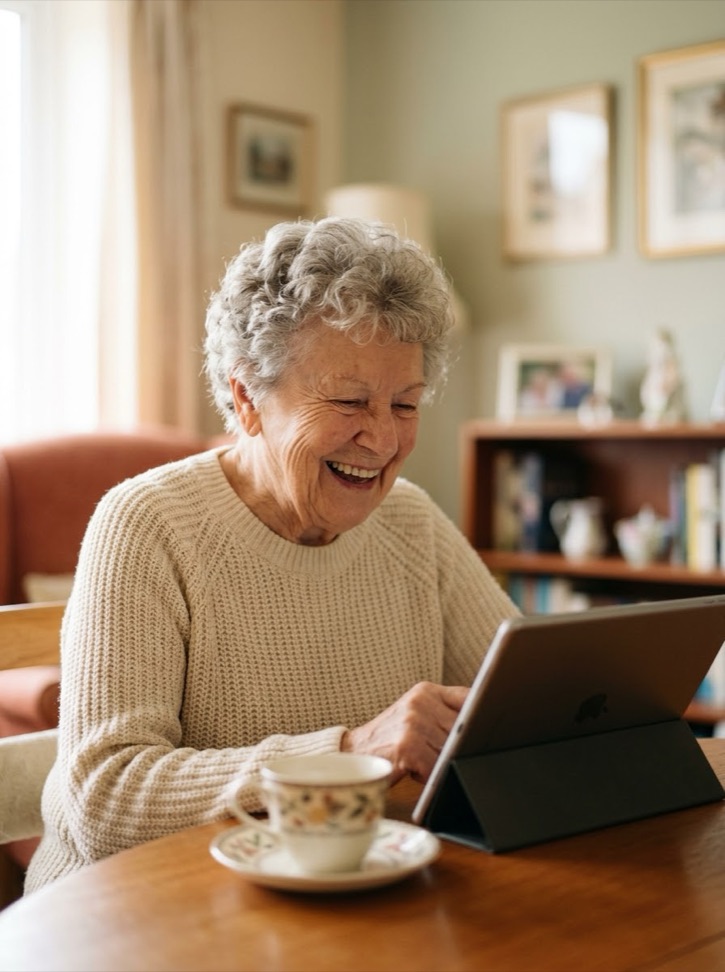
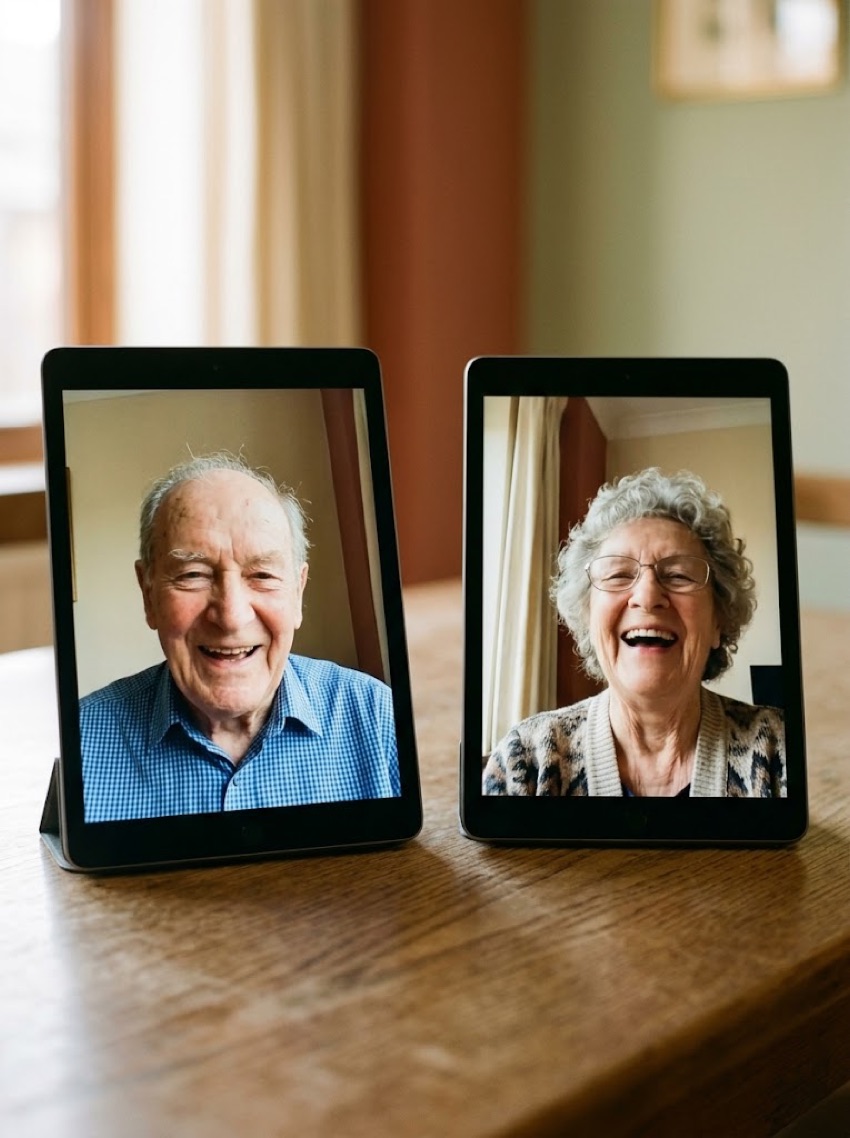
Not every elder lives in a community. Kinectyd at Home brings the same one-button calls to seniors living on their own: a screen of familiar faces, family a tap away, and gentle introductions to peers who share their interests.

Setting it up for someone you love takes one conversation. Write to hello@kinectyd.com and we’ll build their home screen with you.

Sign in Get set up